

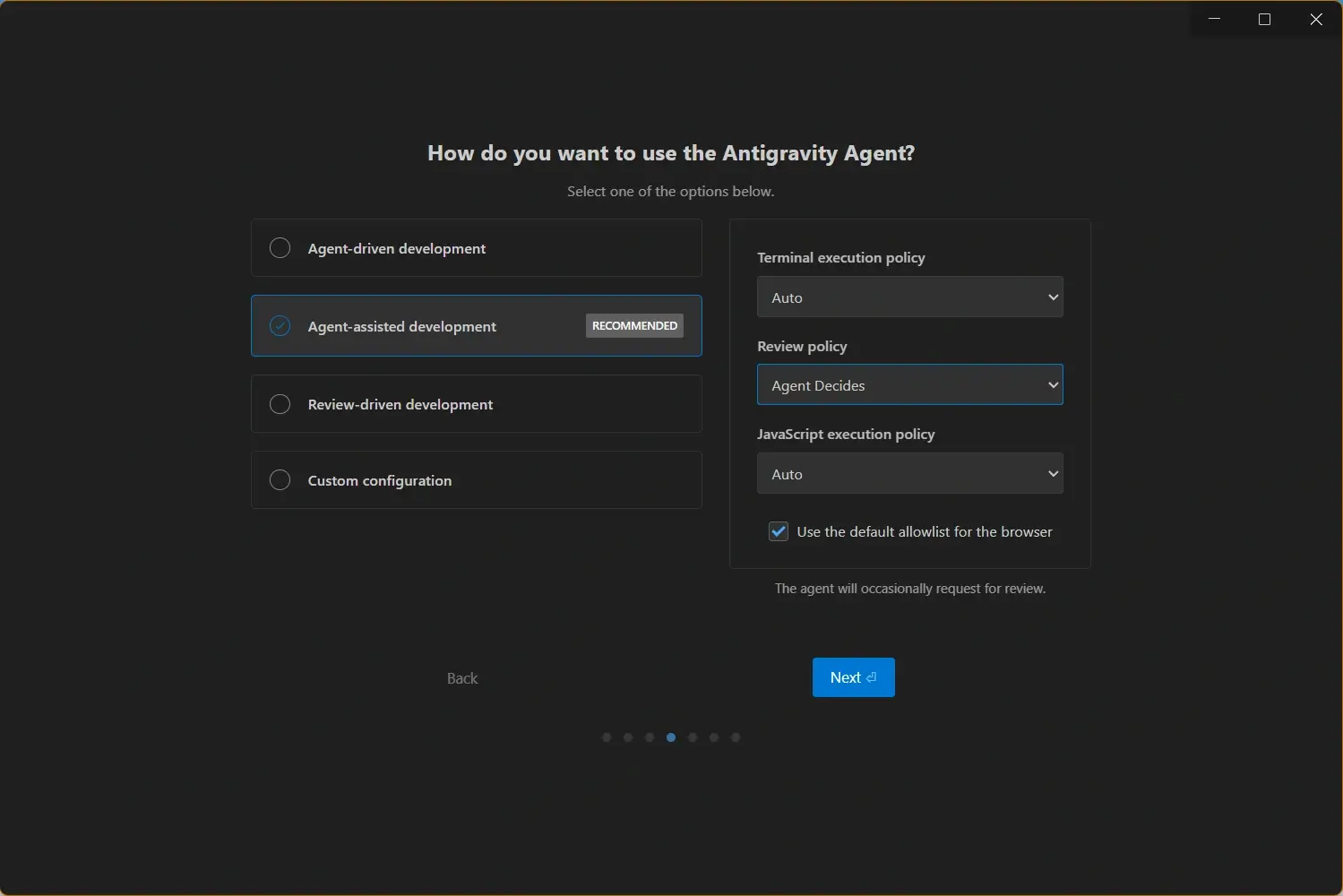
요구 사항 가이드 내용
플랫폼별 요구 사항
Antigravity는 데스크톱 IDE이므로 먼저 운영체제와 프로세서 아키텍처에 맞는 설치 파일을 선택해야 합니다. Windows에서는 x64와 ARM64를 구분하고, Mac에서는 M 시리즈용 Apple Silicon과 구형 Intel을 구분합니다. Linux에서는 호환되는 경우 공식 저장소 설치를 우선하세요.
최소 요구 사항은 IDE를 설치하고 여는 데 필요한 기준입니다. 에이전트, 큰 저장소, 터미널, 브라우저 미리보기, AI 리팩터링을 동시에 사용할 계획이면 권장 사양을 기준으로 삼는 편이 좋습니다.
| 플랫폼 | 최소 | 권장 |
|---|---|---|
| Windows | Windows 10 or later, 64-bit x64 or ARM64, 4 GB RAM, 500 MB free space. | Windows 11, 8 GB RAM or more, SSD storage, current browser and terminal tools. |
| macOS | macOS 12 Monterey or later on Apple Silicon or Intel, 4 GB RAM, 1 GB free space. | macOS 14 or later, 8 GB RAM or more, Apple Silicon for best battery and startup performance. |
| Linux | Modern Debian, Ubuntu, Fedora, RHEL, or compatible desktop with X11 or Wayland and recent glibc libraries. | Recent LTS or stable release, 8 GB RAM or more, repository-based install, updated graphics and certificate packages. |
하드웨어와 네트워크
설치 실패는 대개 잘못된 아키텍처 선택이나 저장 공간 부족에서 발생합니다. 다운로드 전에 CPU, OS 버전, 여유 공간, 보안 도구의 실행 허용 여부를 확인하세요.
Antigravity는 작은 프로젝트를 낮은 사양에서도 열 수 있지만 에이전트 중심 작업은 메모리 여유가 중요합니다. 브라우저, 터미널, 다른 IDE만으로도 느리다면 무거운 앱을 닫고 시작하세요.
- CPU 아키텍처 - 대부분의 Windows PC는 x64, ARM 기반 Windows는 ARM64, M 시리즈 Mac은 Apple Silicon, 구형 Mac은 Intel을 선택하세요.
- 메모리 - 기본 편집은 4GB로 가능하지만 에이전트와 큰 저장소에는 8GB 이상이 더 안전합니다.
- 저장 공간 - 앱, 업데이트, 캐시, 확장, 워크스페이스 메타데이터를 위해 최소 1GB를 비워 두세요.
- 인터넷 연결 - 로컬 파일은 열 수 있지만 로그인, 모델, 업데이트, AI 요청은 네트워크가 필요합니다.
설치 전 확인 단계
Identify your OS and processor
Check whether you are using Windows x64, Windows ARM64, macOS Apple Silicon, macOS Intel, or a supported Linux distribution. This decides which installer or package command you should use.
Confirm memory, storage, and network
Make sure the machine has enough RAM, free SSD space, and network access for sign-in and AI features. If your company uses a proxy or firewall, allow the IDE before troubleshooting the installer.
Install from the matching page
After compatibility is confirmed, use the latest version page or the relevant Windows, macOS, or Linux guide. Reopen the app and check the About dialog after installation.
Windows requirements
Windows users should run a 64-bit system and choose x64 or ARM64 carefully. If SmartScreen or endpoint protection warns about a new installer, verify that the download came from the official link before continuing.
macOS requirements
Mac users should check both macOS version and processor type. Apple Silicon builds are for M-series Macs, while Intel builds are for older Macs. Keep macOS security updates current for smoother sign-in and update behavior.
Linux requirements
Linux users should prefer a supported desktop distribution with current libraries, certificates, and package metadata. Repository installs make future updates and dependency handling more predictable than manual archives.

설치 파일 선택
설치 파일은 반드시 사용하는 기기에 맞춰야 합니다. Windows x64 설치 파일은 Intel Mac에 맞지 않고, macOS Apple Silicon 이미지는 Intel Mac용이 아닙니다.
기기는 호환되지만 앱이 설치되지 않는다면 오래된 프로세스, 설치 권한, 백신 또는 회사 보안 도구의 차단 여부를 확인하세요.
설치 파일 선택
Use the latest version page for current Windows and macOS installers, or the platform-specific pages when you need architecture details, Linux package commands, or troubleshooting notes.
문제 해결
If Antigravity does not install or launch, start with compatibility checks before reinstalling repeatedly.
The installer says the system is not supported
Confirm the operating system version first. Older Windows builds, older macOS releases, and unsupported Linux libraries can block installation even when the hardware looks powerful enough.
The app installs but AI features do not work
Check sign-in status, firewall rules, proxy configuration, and whether your network blocks access to the cloud services used by the IDE.
The wrong build was installed
Uninstall the mismatched build only after downloading the correct one. Keep your project folders separate and backed up through version control before changing application installs.
Performance is slow on large projects
Close heavy applications, move the workspace to SSD storage, update the IDE, and use smaller agent tasks when the repository is large or the machine has limited RAM.
Related Download and Setup Links
Use these pages after confirming that your system can run Antigravity.
- Official Antigravity download page - Google's official download destination
- Latest Antigravity version - current stable installers for Windows and macOS
- Antigravity for Windows - x64 and ARM64 Windows download options
- Antigravity for macOS - Apple Silicon and Intel Mac download options
- Antigravity for Linux - APT and DNF installation commands
- Antigravity update guide - fix out-of-date version warnings after installation