Contenuto del confronto
Verdetto rapido: Antigravity e Cursor risolvono problemi diversi
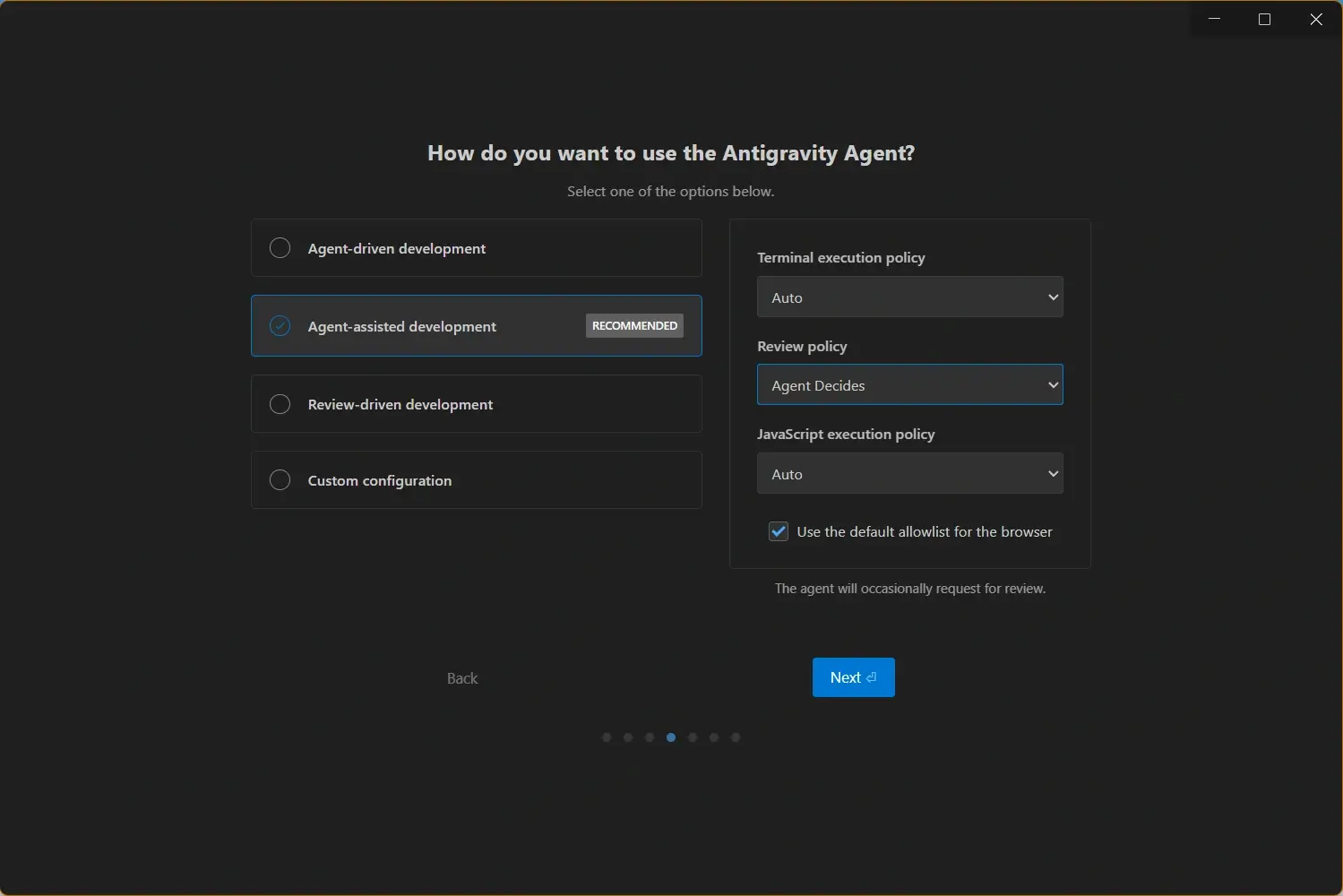
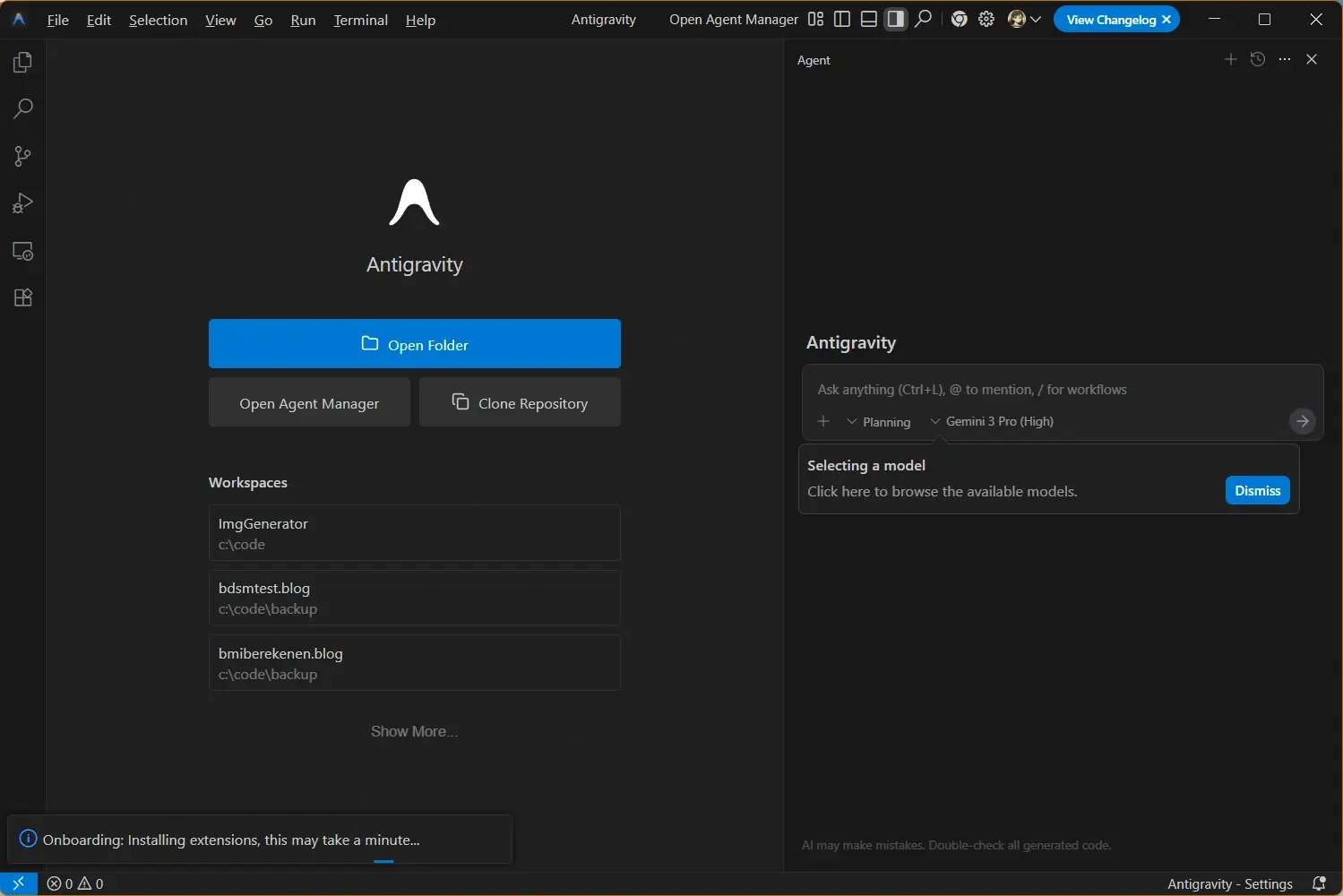
Scegli Antigravity se vuoi uno spazio agent-first dove piano, terminale, browser e prove sono centrali. Scegli Cursor se vuoi un editor AI maturo, vicino a VS Code, per modifiche rapide e adozione graduale.
That distinction matters when you choose a daily tool. If you mostly want AI inside a known editor, Cursor is easier to evaluate because it preserves a conventional code-first workflow. If you want to delegate larger tasks and inspect proof of work, Antigravity is more interesting because its interface and product language are centered on orchestration, artifacts, and verification.
For many developers the best answer is not a permanent switch on day one. Keep Cursor for small edits, refactors, and codebase questions when the editor is already open. Test Antigravity on self-contained tasks that need planning, command execution, browser previews, or cross-file verification. After a week, compare accepted changes, failed agent runs, review time, and rollback frequency instead of relying on a single demo.
Feature Comparison: Antigravity vs Cursor
Use this table to map each tool to a real workflow. The strongest choice depends on task size, team review rules, model preference, and how much autonomy you are comfortable giving to agents.
| Area | Antigravity | Cursor | Better fit |
|---|---|---|---|
| Product center | Agent-first platform with a command-center style experience for planning, execution, and verification. | AI coding editor with agent features embedded in a familiar development environment. | Antigravity for autonomous task orchestration; Cursor for editor-first productivity. |
| Daily editing | Useful when the edit is tied to a broader task, terminal command, or browser validation. | Strong for inline edits, codebase questions, quick refactors, and developer-directed changes. | Cursor for high-frequency manual editing. |
| Agent workflows | Designed around delegating multi-step work and reviewing artifacts that explain what happened. | Supports agent tasks, project rules, codebase context, and AI-assisted changes. | Antigravity when proof and orchestration are the main job. |
| Browser and terminal use | Official positioning highlights editor, terminal, and browser as part of the agent workspace. | Can assist across a codebase, but the experience stays closer to an IDE-first model. | Antigravity for tasks that must be run and verified end to end. |
| Team adoption | Best when a team is ready to define agent tasks, review artifacts, and change delivery habits. | Best when a team wants AI help without replacing existing editor habits. | Cursor for gradual adoption; Antigravity for agent-first experiments. |
| Learning curve | Requires thinking in tasks, plans, evidence, and agent supervision. | Feels familiar to developers coming from VS Code-style editors. | Cursor is easier to start; Antigravity may pay off on larger workflows. |
Who Should Use Antigravity?
Antigravity is a strong candidate when the work is bigger than a single file edit. It fits teams that want an agent to inspect a repository, change code, run commands, open a preview, and return evidence that the change works. That does not remove human review, but it changes the review from watching every keystroke to checking a plan, diff, logs, screenshots, and final behavior.
It is also useful for developers who want a clean separation between the coding surface and the agent management surface. If your current AI editor feels crowded because chat, plans, terminals, and browser checks all compete for attention, Antigravity gives you a more explicit model for supervising work.
- Multi-step implementation - Use Antigravity for features that need planning, code changes, test commands, and browser validation.
- Verification-heavy work - Good fit when screenshots, browser runs, or terminal output are part of the acceptance evidence.
- Agent experiments - Useful for teams comparing agent-first development against classic pair-programming style AI assistance.
- Google ecosystem interest - Worth testing if your workflow already depends on Gemini models or Google developer tooling.
Who Should Use Cursor?
Cursor is the safer first stop for many developers because the product keeps AI close to normal code editing. You can ask questions about the codebase, request edits, review diffs, and keep control inside an IDE pattern that most developers already understand. That makes it easier to introduce into an existing project without changing the team process overnight.
Cursor is especially practical for frequent, narrow tasks: rename a component, explain a function, generate tests for a file, update copy, or make a focused refactor. You still need review discipline, but the feedback loop is shorter because the tool stays close to the code you are editing.
- Fast local edits - Use Cursor when you want AI assistance while staying in a familiar editor loop.
- Codebase questions - Good for explaining files, searching context, and drafting small changes.
- Gradual team rollout - Teams can adopt Cursor without redesigning the whole development workflow.
- Rule-based assistance - Project rules and context can help keep repeated edits aligned with team conventions.
Migration Checklist Before Switching Tools
Do not switch from Cursor to Antigravity, or from Antigravity to Cursor, only because a benchmark or social post looks impressive. Run a practical comparison on your own repository. Pick the same task in both tools, record how long setup takes, how many changes you accept, and how much cleanup is required.
A good test task should be real but reversible: a small feature, a UI fix, a failing test, a documentation update, or a refactor with clear acceptance criteria. Avoid starting with a production incident or a broad rewrite because that makes the tool comparison noisy and risky.
- Prepare a clean branch - Use version control so every AI change can be reviewed, reverted, or replayed.
- Write the same task prompt - Give both tools the same goal, constraints, and acceptance checks.
- Require evidence - Ask for tests, screenshots, command output, or a clear explanation of what changed.
- Measure review cost - Track not just generation speed, but the time spent reading, fixing, and trusting the diff.
- Decide by task type - You may keep both tools if each wins a different category of work.
Practical rule
The better AI coding tool is the one that reduces accepted review time on your actual repository. A faster generated diff is not useful if it increases debugging, rollback, or team uncertainty.
Decision Framework: Which One Should You Pick?
If you are an individual developer, start with the tool that matches your current bottleneck. If you spend most of your time typing repetitive changes, Cursor may feel productive immediately. If you spend more time coordinating tasks, running checks, and proving that a change works, Antigravity is the more relevant experiment.
For teams, the decision should include governance. Define which files agents may edit, which commands they may run, how secrets are protected, how generated code is reviewed, and which acceptance evidence is required before merge. Both tools can help, but neither removes the need for engineering judgment.
| Need | Recommended choice | Reason |
|---|---|---|
| Closest VS Code-style experience | Cursor | It keeps AI assistance inside a familiar editor workflow. |
| Agent command center | Antigravity | It is designed around supervising autonomous work and artifacts. |
| Small edits and refactors | Cursor | The feedback loop is short and code-centric. |
| Tasks needing terminal and browser proof | Antigravity | The product is positioned around planning, execution, and verification. |
| Team trial with low disruption | Cursor first, then Antigravity pilot | Start with the familiar tool, then test agent-first workflows on bounded tasks. |
Sources, Downloads, and Related Guides
Use official product pages for live product claims and this site for Antigravity download, setup, update, and troubleshooting context.
- Google Antigravity official site - Official Antigravity product and download source
- Google Developers Antigravity announcement - Official explanation of Antigravity as an agentic development platform
- Cursor official site - Official Cursor product source
- Cursor product overview - Official overview of Cursor agent and editor workflows
- Download Antigravity latest version - Get the current Antigravity installer from this site
- Antigravity system requirements - Check platform compatibility before installing
- Antigravity troubleshooting guide - Fix launch, sign-in, update, and installer problems