比較ガイドの目次
Gemini CLI と Antigravity の違いを一言で
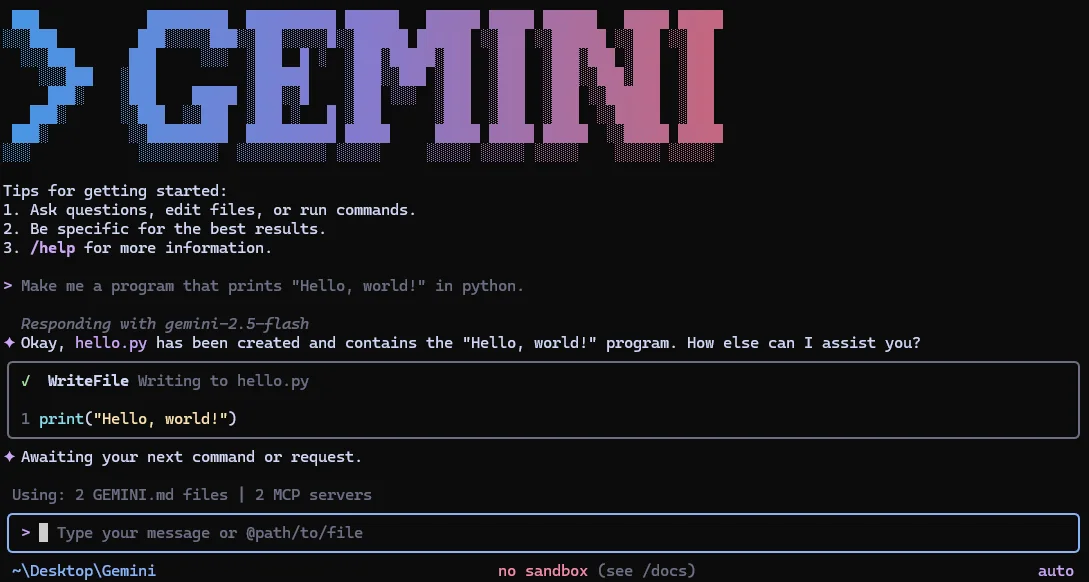
Gemini CLI starts from the terminal. It is useful when the repository, shell, scripts, and developer habits already live in a command-line workflow. Its open-source repository and release line make it practical for users who want to inspect the implementation, automate calls, and keep the interface small.
機能比較:Gemini CLI と Antigravity
Use these differences to match the tool to the job. Product capabilities and release details can change, so confirm live documentation before standardizing a team workflow.
| Decision area | Antigravity | Gemini CLI | Best fit |
|---|---|---|---|
| Primary surface | Agent-first development workspace around a repository | Terminal-first open-source agent | Choose by where you want to supervise work |
| Repository changes | Designed for plans, multi-file edits, commands, browser checks, and artifacts | Strong for direct edits and shell-driven tasks inside the current project | Antigravity for evidence-heavy delivery; Gemini CLI for focused terminal work |
| Automation | Interactive agent workflows with explicit checkpoints | Natural fit for scripts, shell aliases, CI experiments, and repeatable terminal routines | Gemini CLI when the shell is the control plane |
| Open-source visibility | Use official product documentation and release pages | Public repository, issues, docs, and release artifacts | Gemini CLI for inspectable implementation |
Antigravity が向いている場合
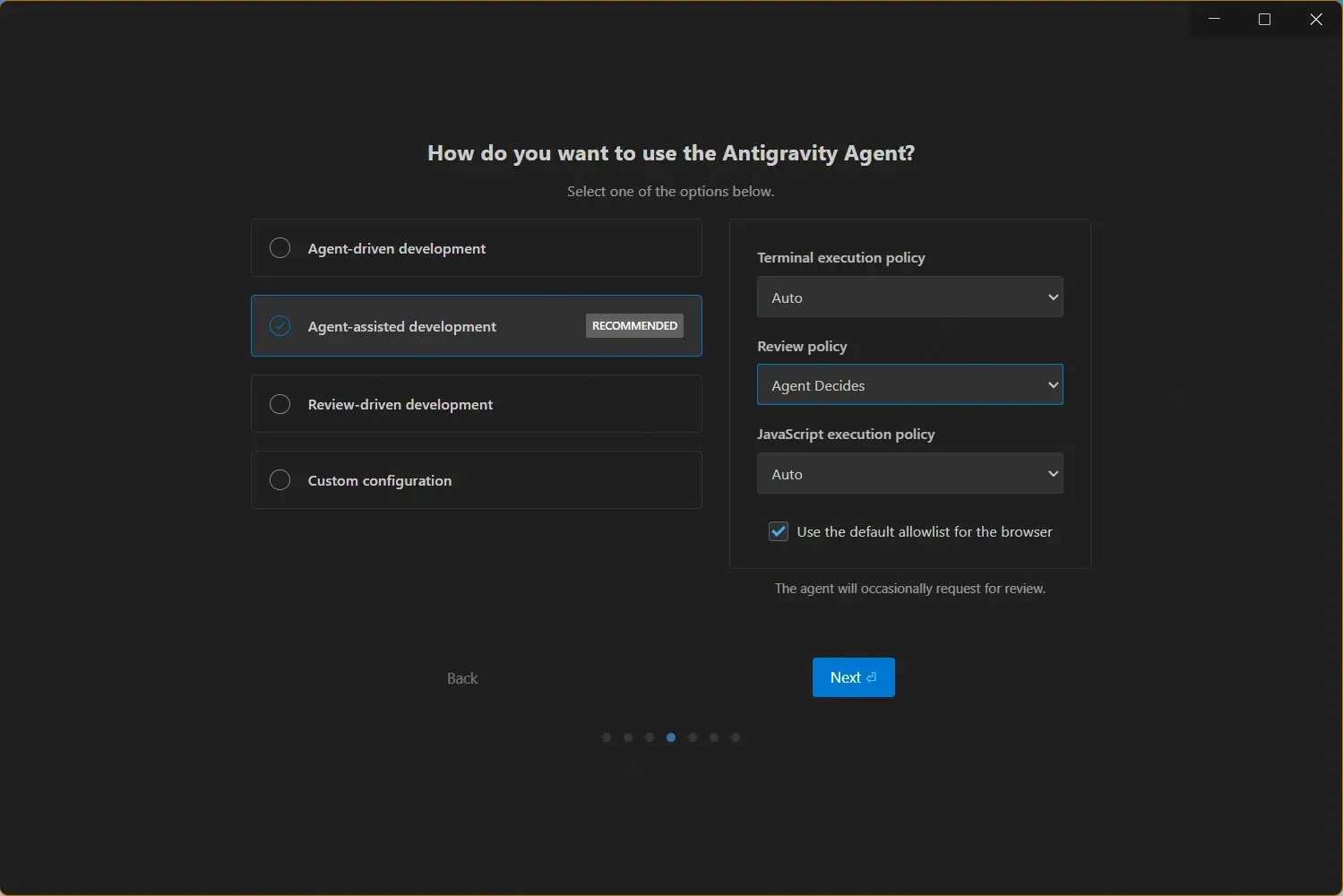
Antigravity is the stronger choice when “done” means more than a changed file. Use it when the task needs a plan, coordinated edits, a terminal run, a browser check, screenshots, or a readable artifact trail for another person to review.

- Multi-step implementation - Good for changes that move through planning, editing, testing, and verification.
Gemini CLI が向いている場合
Gemini CLI is the stronger choice when the terminal is already your main development surface. It keeps the interaction compact, is easy to compose with shell tools, and gives technically minded teams a public codebase and release trail to inspect before adoption.
- Terminal-first development - Choose it when commands, shell history, and repository paths are the natural interface.
両方を実際に試す方法
Do not compare the products with a synthetic benchmark alone. Use the same reversible repository task in both tools and measure accepted changes, review time, command reliability, and the quality of evidence left behind.
- Choose a bounded task - Use a small feature, bug fix, test addition, or documentation change that can be reverted.
- Prepare the same branch state - Start from the same commit and provide the same acceptance criteria.
- Record the interaction cost - Measure setup, prompts, manual corrections, and the time needed to understand the diff.
Practical rule
The best AI coding tool is the one that reduces accepted review time on your repository. A fast first response is not a win if it creates more debugging, cleanup, or uncertainty.
選択ガイド:どちらを選ぶか
Start with Gemini CLI if you want a terminal assistant that you can script and inspect. Start with Antigravity if you want an agent workspace that makes plans, artifacts, browser checks, and review checkpoints part of the normal flow. Your team’s approval, secret-handling, and test rules still matter more than a product label.
| Need | Recommended choice | Reason |
|---|---|---|
| Small shell-driven code task | Gemini CLI | The terminal is already the fastest control surface. |
| Repository change with browser proof | Antigravity | The workflow is designed around multi-surface verification. |
| Open-source implementation to inspect | Gemini CLI | The public repository and release artifacts are part of the evaluation surface. |
公式ソースと関連ガイド
Use the first-party sources below for live product claims, releases, source code, and installers. Use this site for Antigravity platform guidance and workflow context.
- Gemini CLI GitHub repository - Official open-source repository, README, documentation, and issue history.
- Gemini CLI v0.54.0 release - Release page checked on August 20, 2026; use it for current release assets.