Comparison guide contents
Short Verdict: Antigravity Adds an Agent Workspace, VS Code Remains the Editor Baseline
Antigravity vs VS Code is not a simple editor replacement question. VS Code is the default development environment for many teams because it is familiar, lightweight enough for daily use, and supported by a broad extension marketplace. It is excellent when the developer wants direct control over files, terminals, debuggers, source control, and project-specific extensions.
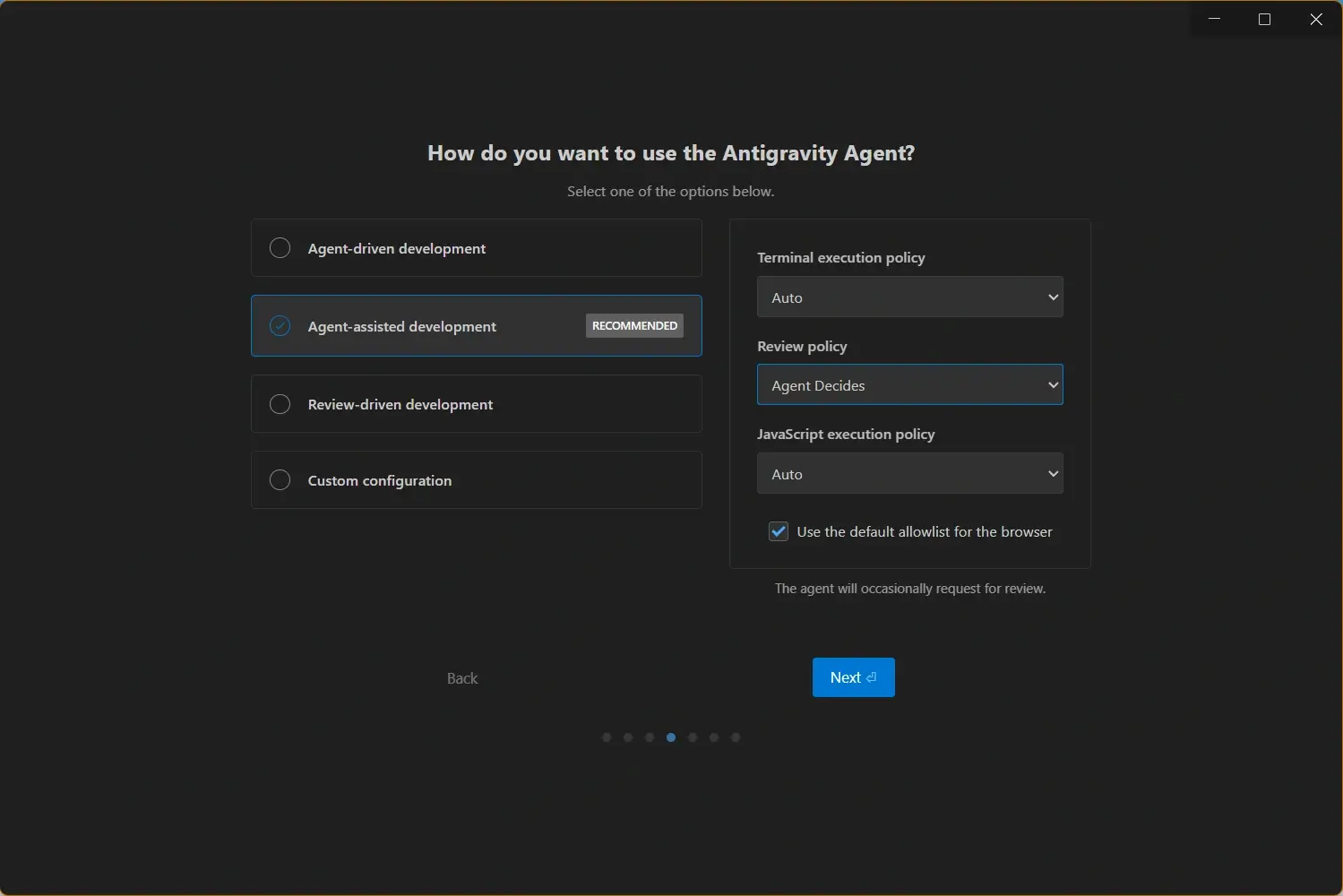
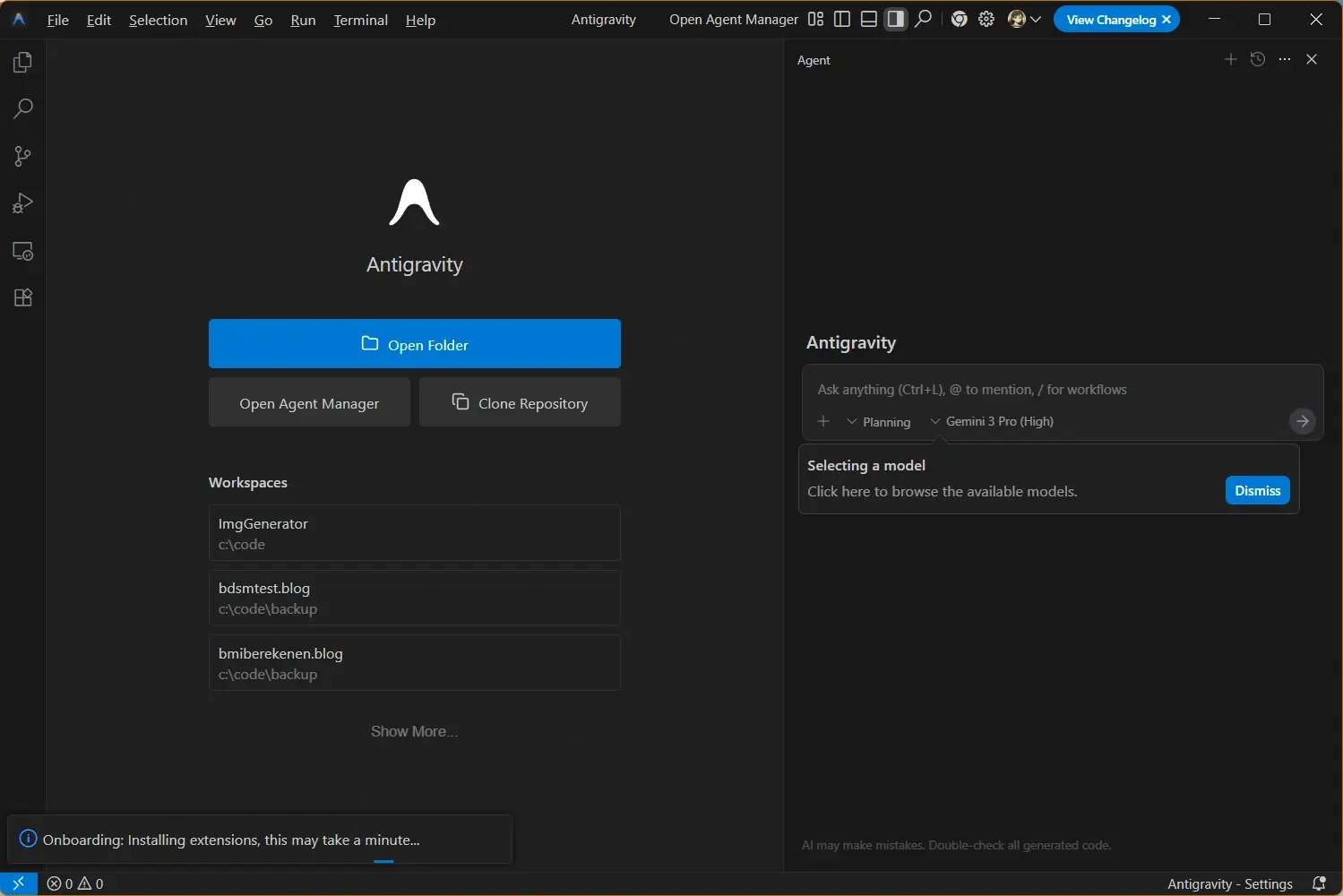
Antigravity is different because its product idea is centered on agentic development. Instead of only asking for inline help inside an editor, you can delegate a bounded task, let the agent inspect files, execute commands, verify output, and provide artifacts that make review easier. That changes the decision from which editor feels better to which workflow needs more autonomy and proof.
The practical answer is usually hybrid. Keep VS Code when you are navigating code, debugging locally, using specialized extensions, or making precise edits. Try Antigravity when a task has clear acceptance criteria and benefits from planning, terminal work, browser verification, or multi-file coordination. Judge the tools by accepted diffs and review time, not by a demo prompt.
Feature Comparison: Antigravity vs VS Code
Use this matrix to match each workspace to real development work. The better choice depends on task size, extension dependency, agent trust, and whether verification evidence matters.
| Area | Antigravity | VS Code | Better fit |
|---|---|---|---|
| Product center | Agent-first workspace for planning, execution, terminal work, browser checks, and artifact review. | General-purpose code editor with a mature ecosystem for local development and extensions. | Antigravity for delegated tasks; VS Code for editor-first development. |
| Daily editing | Best when the edit is part of a larger agent task with explicit acceptance evidence. | Fast for manual navigation, small edits, debugging, Git work, and extension-backed workflows. | VS Code for high-frequency editing. |
| AI and agents | Designed around agent supervision, plans, command execution, and verification artifacts. | Supports AI through extensions such as GitHub Copilot while preserving a conventional editor loop. | Antigravity for autonomous runs; VS Code for developer-directed assistance. |
| Extensions and settings | Useful if your work does not depend on a long tail of specialized VS Code extensions. | Strongest when language tooling, linters, formatters, containers, remote work, and team settings are already standardized. | VS Code when extension compatibility is critical. |
| Verification | Better fit when the output should include logs, browser screenshots, generated artifacts, or test evidence. | Verification is usually assembled by the developer through terminals, tasks, debuggers, and external tools. | Antigravity for evidence-heavy work. |
| Team adoption | Requires task definitions, review rules, allowed commands, and agent governance. | Easy to standardize because most teams already know its project settings and extension recommendations. | VS Code for continuity; Antigravity for agent-first pilots. |
Who Should Use Antigravity?
Choose Antigravity when the bottleneck is not typing code but coordinating a task from intent to evidence. A good Antigravity task has a clear goal, a limited scope, and validation steps the agent can run. Examples include fixing a UI bug with screenshots, adding a focused page, updating a build script, or investigating a failing route.
Antigravity is also useful when you want a cleaner review trail. Instead of reconstructing what happened from terminal history and scattered editor changes, you can ask for a plan, inspect diffs, review command output, and decide whether the artifacts prove the task is ready.
- Multi-step tasks - Use it for work that needs repository inspection, edits, commands, and verification.
- Browser proof - Useful when visual output, page rendering, or end-to-end checks are part of acceptance.
- Agent experiments - A strong fit for teams testing how much implementation work can be delegated safely.
- Review artifacts - Helpful when reviewers need more than a diff to trust the result.
Who Should Stay With VS Code?
Stay with VS Code as the primary workspace if your productivity depends on a mature extension stack, local debugging setup, remote development environment, or team-standard editor settings. VS Code remains the safer default when a project has many language-specific tools and the developer wants exact control over every edit.
VS Code is also the better first choice for beginners or teams that are not ready to define agent permissions. You can still add AI assistance through extensions while keeping the familiar editor, terminal, debugger, source control, and settings workflow intact.
- Extension-heavy projects - Keep VS Code when framework, linting, testing, remote, or container extensions are essential.
- Precise manual control - Use it when you want to inspect and edit code directly instead of delegating a task.
- Existing team standards - VS Code settings, recommended extensions, and onboarding docs are easy to share.
- Debugging loops - Local breakpoints, tasks, terminals, and source control remain familiar and predictable.
Migration Checklist Before Moving From VS Code to Antigravity
Do not replace VS Code across a whole project on the first day. Start with a clean branch and a reversible task. Run the same task in your current VS Code workflow and in Antigravity, then compare the accepted output, not the excitement of the first response.
The key question is whether Antigravity reduces review cost. If the agent produces a working change with tests, screenshots, and clear notes, it may be worth adding to the workflow. If the task requires a lot of manual cleanup or conflicts with your extension stack, keep VS Code as the primary workspace.
- Inventory extensions - List the VS Code extensions and settings your project actually needs.
- Choose a bounded task - Pick a bug fix, page update, test repair, or refactor with clear acceptance checks.
- Protect secrets - Confirm which files, commands, and environment variables agents may access.
- Require evidence - Ask for command output, rendered screenshots, tests, or a short explanation of validation.
- Keep rollback simple - Use branches and small commits so any failed agent run can be discarded safely.
Practical rule
Move a workflow to Antigravity only when it saves review time on real tasks. Keep VS Code when the extension ecosystem and direct control matter more than agent autonomy.
Decision Framework: Which One Should You Use?
For individual developers, start from the work you do most often. If most tasks are small edits, debugging, and extension-driven local development, VS Code should remain the default. If you regularly need to hand off a clear task and verify output, Antigravity deserves a place in the workflow.
For teams, the decision should include governance. Define what agents may edit, what commands they may run, how reviewers inspect artifacts, and when VS Code remains mandatory for debugging or environment-specific work.
| Need | Recommended choice | Reason |
|---|---|---|
| Largest extension ecosystem | VS Code | It has the broadest support for languages, frameworks, remote environments, and team settings. |
| Agent command center | Antigravity | It is built around planning, running, and verifying delegated coding tasks. |
| Quick manual edits | VS Code | The feedback loop is fast, familiar, and fully developer-directed. |
| Tasks needing screenshots or logs | Antigravity | It can make proof of work part of the task output. |
| Gradual adoption | Use both | Keep VS Code for the baseline and introduce Antigravity on bounded agent tasks. |
Official Sources and Next Steps
Use official documentation when checking product capabilities, extension behavior, and local setup requirements.
- Download Antigravity for Windows - Start with the local installer if you want to test Antigravity on a real repository.
- Antigravity system requirements - Check OS and hardware notes before comparing it with your current VS Code setup.
- Antigravity vs Cursor - Compare Antigravity with another AI-first editor after reviewing the VS Code baseline.
- Google Antigravity official site - Official source for Antigravity product positioning and availability.
- Visual Studio Code documentation - Official VS Code reference for editor, extensions, source control, and development workflows.